# Post processing and UnrealBloomEffect in Three.json
# Issue:
Unreal Bloom and Renderer Transparency issue · Issue #14104 · mrdoob/three.js (github.com) 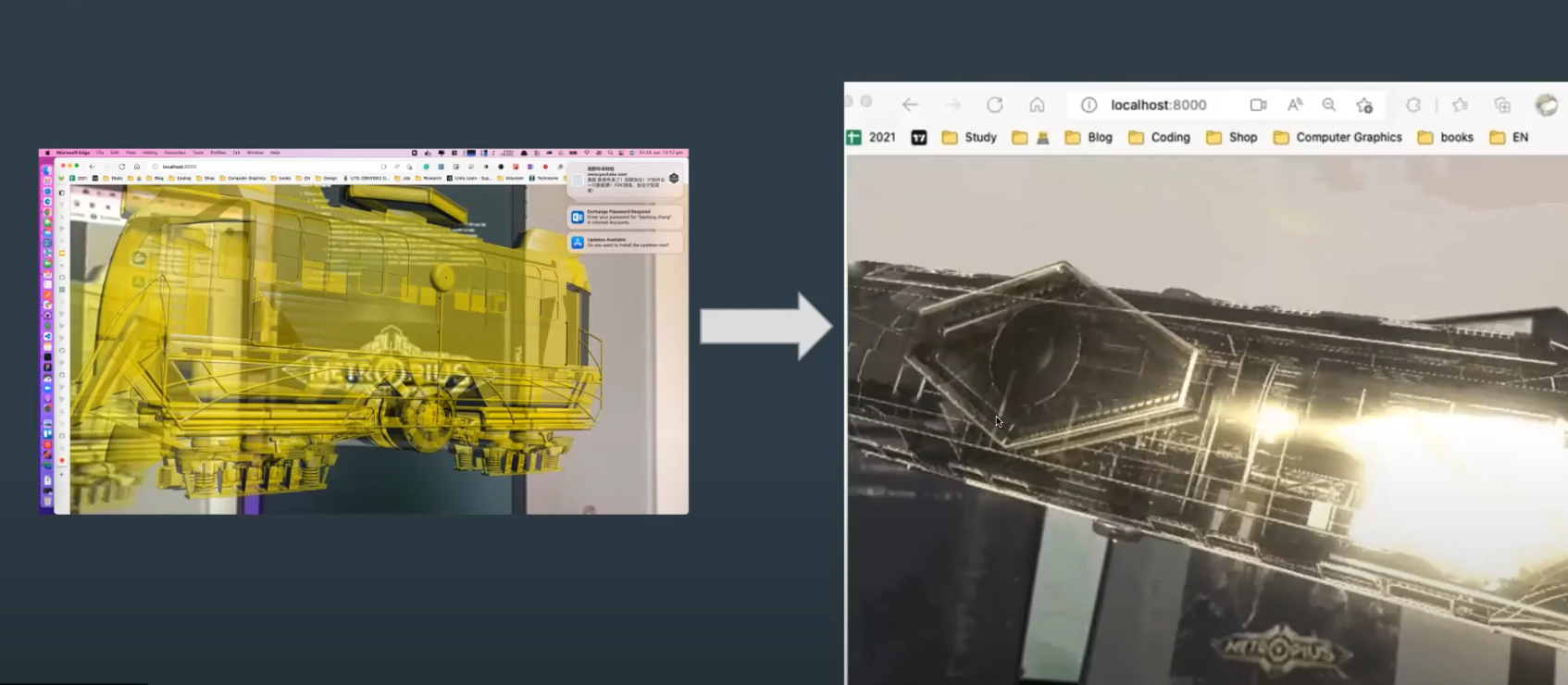
# Solutions
- Antialias. Was because the size of the composer
- composer.setSize(CANVAS_WIDTH, CANVAS_HEIGHT);
- Or set size and pixel ratio of renderer before you pass renderer into composer.
- Means these lines:
- renderer.setPixelRatio(window.devicePixelRatio);
- renderer.setSize(CANVAS_WIDTH, CANVAS_HEIGHT);
- have to be before this line:
- const composer = new EffectComposer(renderer);
- clearPass.

post-processing in React three fibre
  // start mind-ar
  const start = async () => {
    const { renderer, scene, camera } = mindarThree || {}
    if (isDef(mindarThree)) {
      console.debug('starting AR...');

      renderer.setClearColor(0x000000, 0.0);
      // renderer.antialias = false
      let clearPass = new ClearPass(0x000000, 0)

      camera.layers.enable(1);
      const renderScene = new RenderPass( scene, camera );

      // stop the default clear bahaviour of the renderer. use the clearPass instead.
      renderScene.clear = false
      let bloomPass = new UnrealBloomPass( new Vector2( window.innerWidth, window.innerHeight ), 3.0, 1.3, 0.1 );
      const effectFXAA = new ShaderPass( FXAAShader )

      //
      // in order to make the unreal bloom effect works. espesially remove the dark background. we need to fix the original file. I have put
      // a file in ../scripts/UnrealBloomPass.js. Replace the one in three/examples/jsm/postprocessing/UnrealBloomPass.js . If you have better way to solve this that will be nice.
      //
      const bloomComposer = new EffectComposer( renderer );
      // need to set the size of the composer. otherwise the scene looks pixelated.
      bloomComposer.setSize(window.innerWidth, window.innerHeight)
			bloomComposer.renderToScreen = true;
      bloomComposer.addPass( clearPass );
			bloomComposer.addPass( renderScene );
			bloomComposer.addPass( bloomPass );
      bloomComposer.addPass(effectFXAA);


      await mindarThree.start();
      console.log('starting animation loop...');
      renderer.setAnimationLoop(() => {
        renderer.render(scene, camera);
        // call any custom animators for the currently active model
        if (activeAnchor.current > -1) {
          const model = loadedModels[activeAnchor.current]

          if (model !== null && typeof model.onAnimate === 'function') model.onAnimate()
          // if the model need bloom effect. then init the render.
          if (model !== null && model.onBloomEffect === true)  bloomComposer.render();
        }
      });

    }
  }
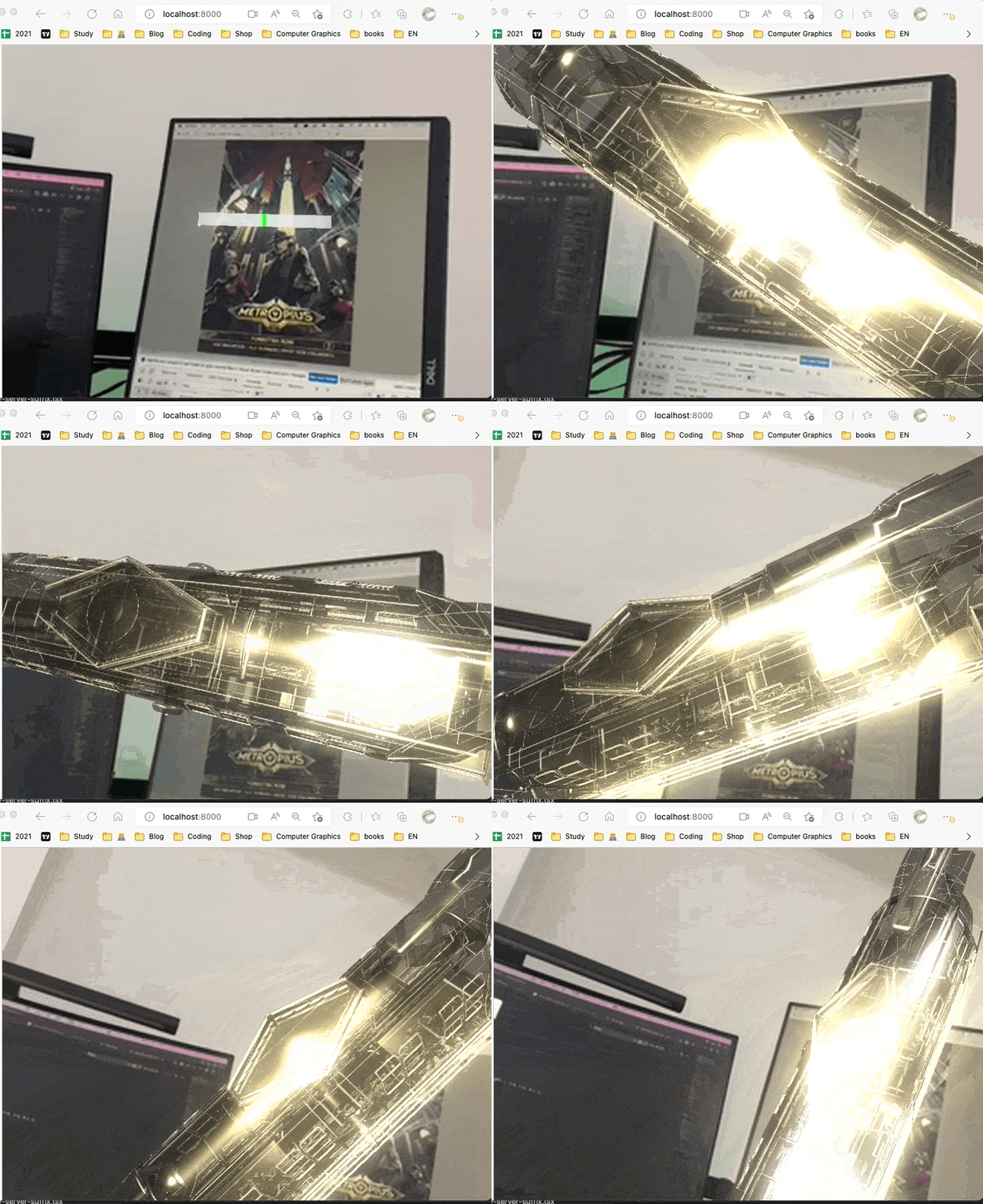
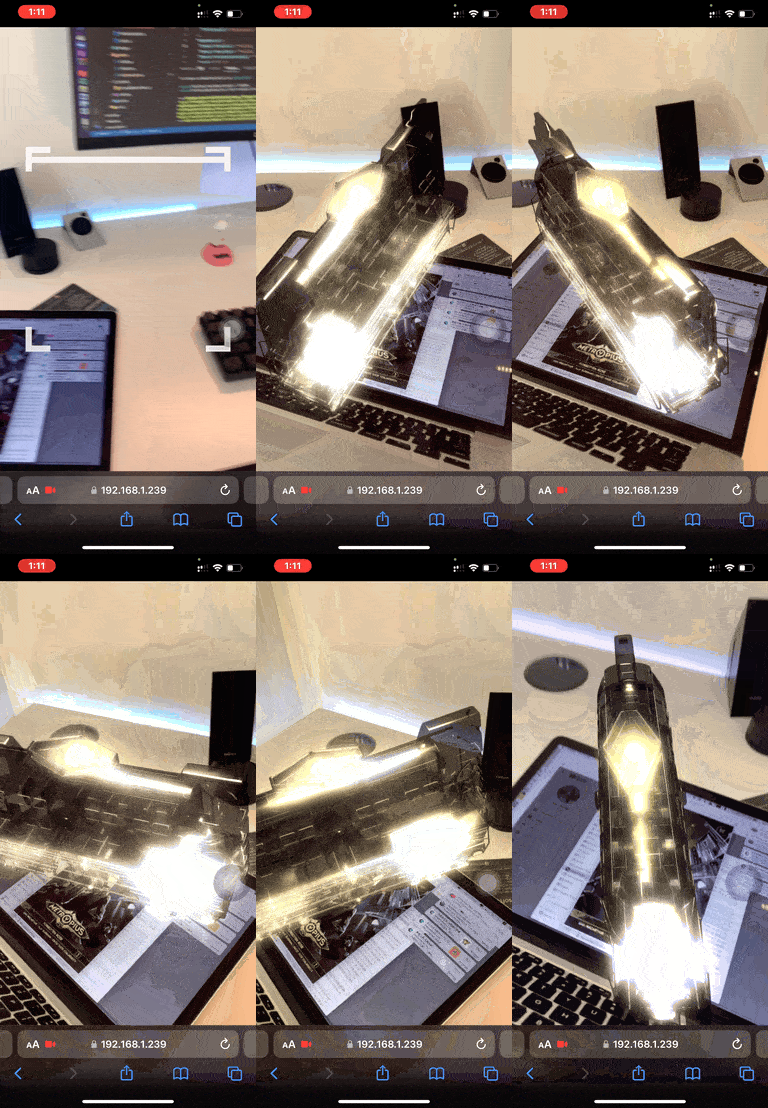
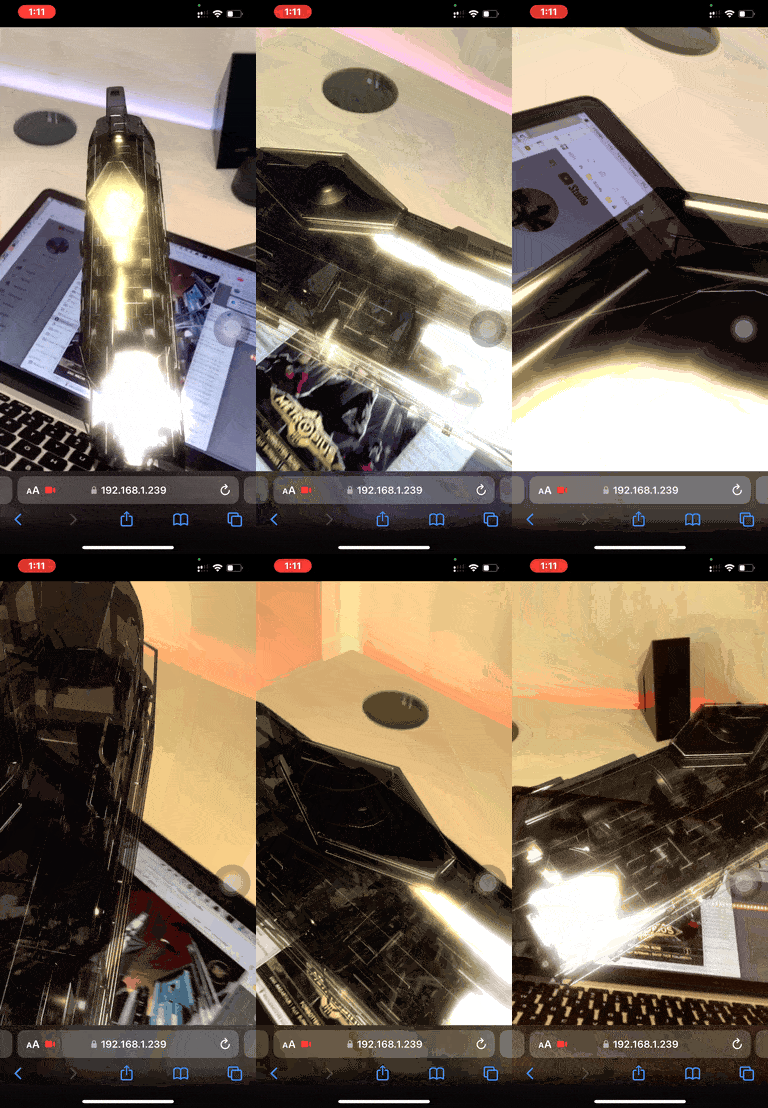
# And Yes! Its a AR project.
# Relates matreial:
Ash's talk about Three.js and WebGl